Como aproveitar ao máximo o seu sistema Gemini para DJ
A forma mais rápida de aproveitar melhor o seu sistema Gemini para DJ é combinar o seu equipamento com o ambiente, alimentá-lo com áudio limpo, posicionar bem as suas caixas de som e dedicar tempo de prática aos recursos que você realmente usa. Nada disso exige um orçamento maior, só alguns bons hábitos. Veja como fazer isso com o equipamento que você já tem.
A Gemini Sound fabrica equipamentos de DJ e áudio desde 1974, então essas dicas funcionam tanto se você usa uma única controladora de DJ em festas em casa quanto um rig completo para shows itinerantes.
Comece com a controladora certa para o ambiente
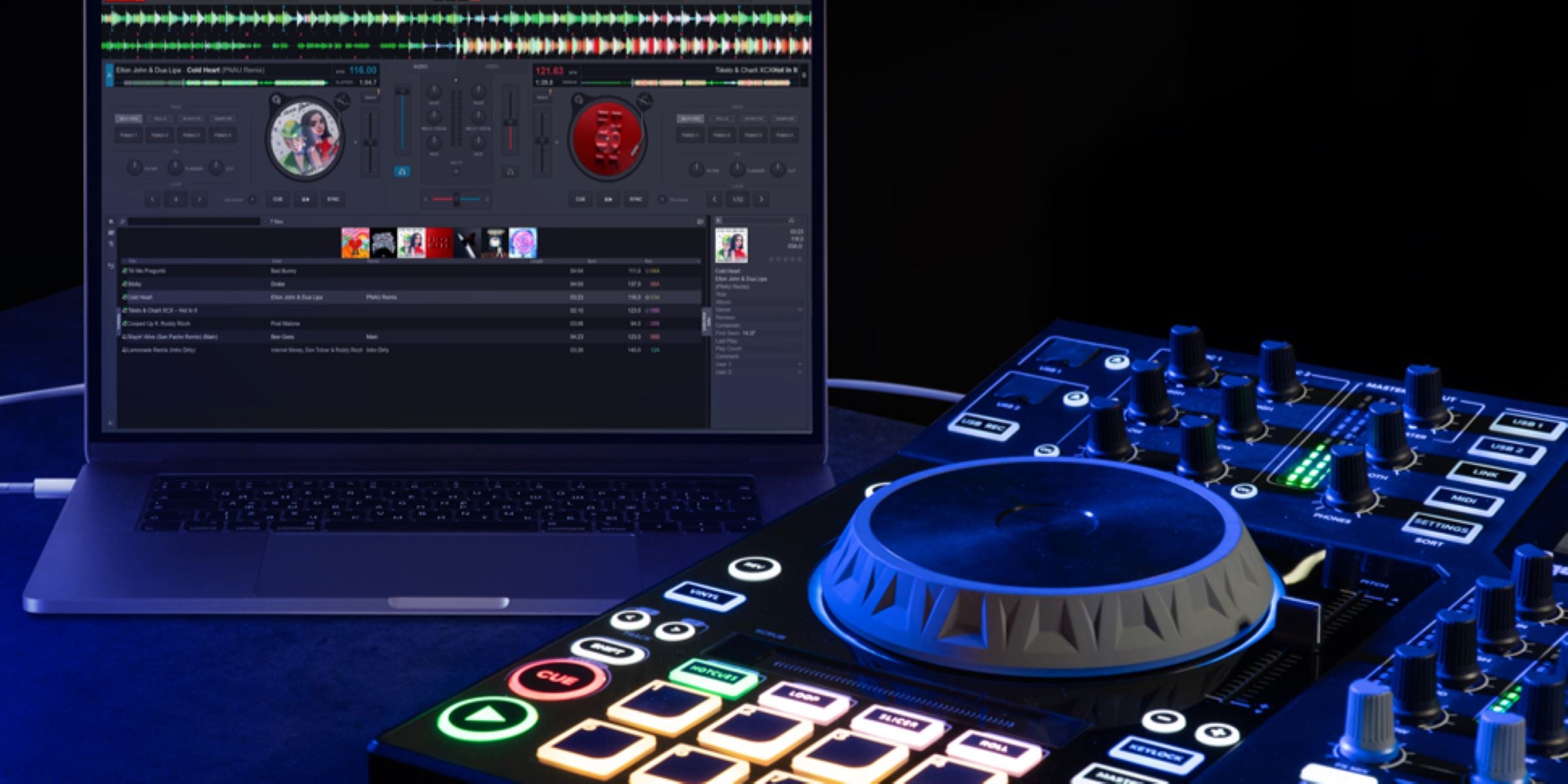
A configuração certa depende de onde você vai tocar. Uma controladora de DJ compacta de 2 canais já basta para festas, bares pequenos e para aprender a mixar. Ambientes maiores e sets com quatro decks pedem mais canais, mais pads e mais entradas. Pense no tamanho do local, no estilo musical que você toca e na sua forma de trabalhar antes de comprar, e depois expanda a partir daí com o restante do seu equipamento de DJ.
Se você está combinando uma controladora com caixas de som e um mixer de uma só vez, a nossa página de controladoras de DJ é o ponto de partida. Acerte a controladora primeiro, porque tudo o mais se conecta a ela.

Alimente-o com áudio limpo
A sua mixagem só soa tão bem quanto os arquivos que você toca. Use arquivos WAV não comprimidos sempre que possível. Se o espaço de armazenamento for limitado, arquivos MP3 de 320 kbps são a segunda melhor opção, já que reduzem o tamanho do arquivo com pouquíssima perda de qualidade. Evite arquivos de bitrate baixo, como MP3 de 128 kbps, especialmente em um sistema potente, onde a diferença fica evidente. Compre ou baixe sua música de uma fonte confiável para garantir que os arquivos tenham qualidade total, e não sejam apenas versões ampliadas de algo pior.

Do lado da saída, ofereça a esse áudio limpo um sistema à altura. Um conjunto de caixas amplificadas com subwoofers amplificados combinando preenche um ambiente sem esforço, e os amplificadores certos mantêm as caixas passivas fiéis ao som mesmo em volume alto. Para multidões maiores ou uma montagem rápida, uma caixa de som para festas completa ou um sistema PA adequado resolvem grande parte do trabalho.
Vai usar microfone? Adicione uma opção com ou sem fio da nossa linha de microfones e sistemas sem fio, para que anúncios e chamadas se destaquem sobre a música.
Posicione bem as suas caixas de som
O posicionamento das caixas de som é a melhoria mais barata que você vai fazer. Eleve as caixas superiores do chão e incline-as na direção dos ouvidos, não dos joelhos, e mantenha-as à frente dos microfones para evitar realimentação (feedback). Os subwoofers são menos sensíveis à posição esquerda ou direita, mas o lugar onde você os coloca em relação a paredes e cantos muda como os graves chegam. Nosso guia sobre como encontrar o melhor posicionamento para subwoofers explica isso em detalhes.
Deixe a configuração com a sua cara
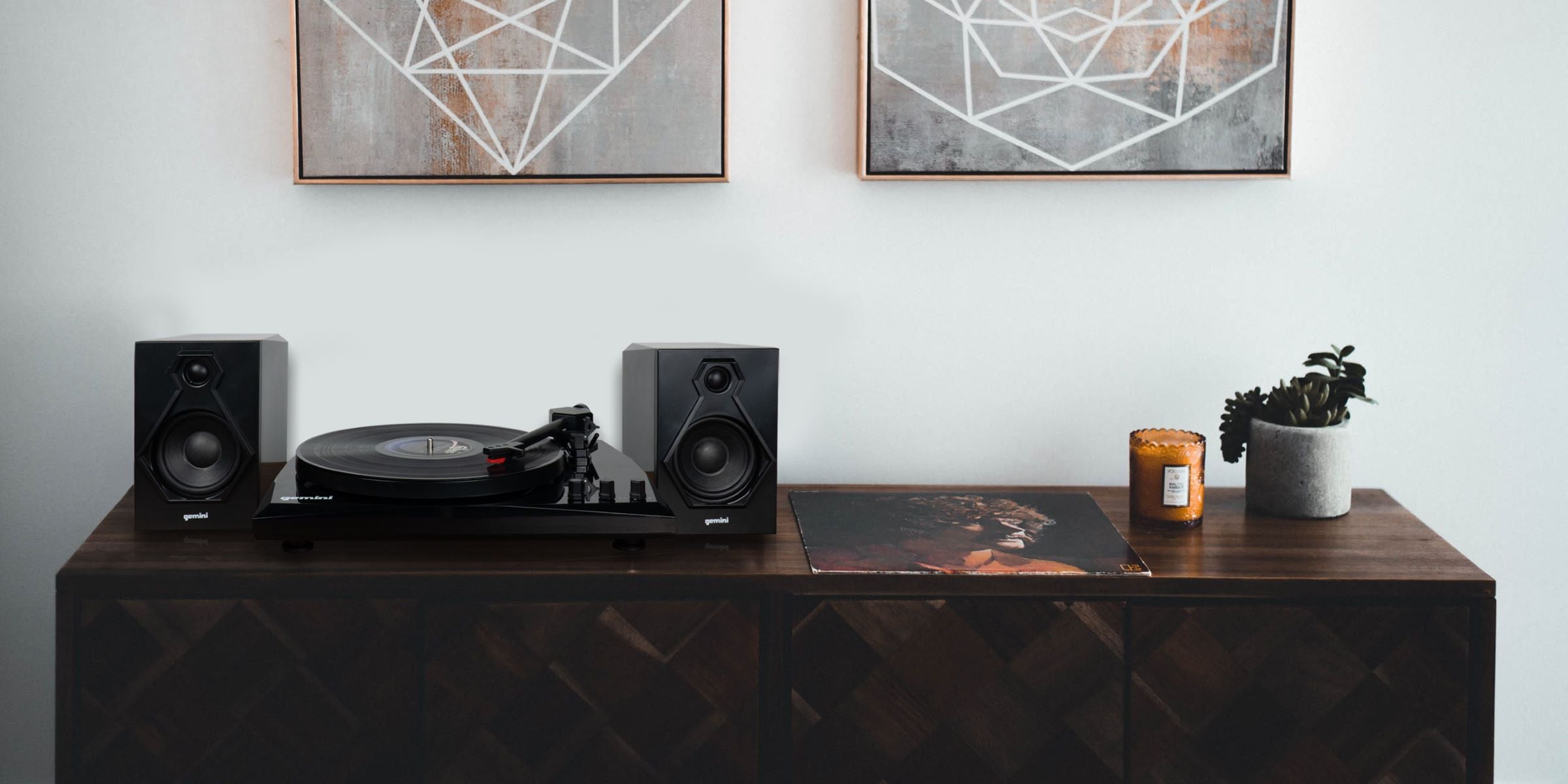
Uma cabine em que você se sinta confortável é uma cabine em que você mixa melhor. Ajuste a controladora e as caixas de som em uma altura funcional, com suportes para caixas de som e instrumentos firmes, e mantenha os cabos organizados para que nada se solte no meio do set. Se você também toca vinil, incorporar um toca-discos ao rig te dá uma segunda sensação para explorar ao lado dos seus decks digitais.
Pratique e experimente
Conhecer o seu equipamento de cor é o que separa um set tranquilo de um instável. Dedique tempo aos recursos que você mais usa, seja looping, hot cues ou combinações de equalização, até que virem memória muscular. Se você ainda está encontrando o seu caminho, nossos guias sobre como se tornar DJ em 5 passos e como fazer uma ótima mixagem de DJ são bons próximos passos. Experimente novas transições e ideias quando o risco for baixo, para que estejam prontas quando a pista estiver cheia.
Resumindo
Escolha uma controladora que combine com o ambiente, toque áudio limpo, posicione suas caixas de som com cuidado, monte uma cabine que funcione para você e pratique os movimentos que você realmente vai usar. Faça essas cinco coisas e o seu sistema Gemini vai soar melhor em cada show, sem precisar de upgrade nenhum.
Quando estiver pronto para expandir o seu rig, comece pelas nossas controladoras de DJ. Estamos nisso desde 1974 e temos o maior prazer em ajudar você a montar uma configuração que dura.