Como montar um estúdio de DJ em casa

Para montar um estúdio de DJ em casa, você precisa de cinco coisas: um espaço tranquilo para trabalhar, uma controladora ou mixer para tocar e mixar faixas, um fone de ouvido fechado para monitorar as entradas, caixas de som para ouvir a sua mixagem no ambiente e um software para gravar e editar. Acertando nesses pontos, você já pode praticar, montar sets e gravar em casa sem alugar horas de estúdio. Veja a seguir como montar cada peça e o que realmente importa na hora de comprar.
Escolha primeiro o ambiente certo
O seu ambiente molda o seu som mais do que qualquer equipamento isolado, então comece por aí. Você quer um espaço onde possa deixar a configuração montada, ficar sentado confortavelmente por algumas horas e controlar o ruído que entra e sai. Um quarto de hóspedes, um porão acabado ou o canto de um escritório funcionam bem. O que você busca é um local silencioso e sem formato muito quadrado, já que paredes paralelas e superfícies duras fazem o som quicar e deixam tudo mais abafado.
Antes de se comprometer com um local, sente-se nele por cinco minutos com tudo desligado. Desligue o ventilador de teto, o ar-condicionado, a TV e qualquer coisa que zumba. Você vai começar a notar o que acabaria gravando sem perceber: o trânsito lá fora, uma máquina de lavar dois cômodos adiante, a geladeira ligando o compressor. Perceber isso agora evita que você tenha que regravar depois.
Comece com uma controladora ou mixer

Esse é o coração da sua configuração em casa. Uma controladora de DJ se conecta ao seu laptop via USB e oferece jog wheels, faders e controles de pitch para tocar faixas com as mãos, em vez de clicar com o mouse. Se você preferir mixar a partir de players de mídia ou toca-discos, um mixer independente faz a mixagem no lugar da controladora. O Gemini Sound MXR-01BT é um mixer de DJ Bluetooth de 2 canais em chassi totalmente metálico, uma ótima primeira mesa, e o CDM-4000BT combina um mixer de 2 canais com dois players de CD/USB, caso você queira tudo em uma única unidade que cabe em rack.
Seja qual for o caminho, compre pensando na música que você realmente faz, não no rig que você imagina daqui a dois anos. Uma configuração de 2 canais já é suficiente para aprender beatmatching e criar transições limpas. Você pode subir para quatro canais quando realmente precisar de mais do que dois, e não antes disso. Você pode ver a linha completa na coleção de equipamentos de DJ.
Escolha fones de ouvido para monitorar
Os fones de ouvido cumprem duas funções em um estúdio caseiro: permitem que você alinhe a próxima faixa em um ouvido enquanto as caixas de som tocam a faixa atual, e permitem que você trabalhe até tarde sem encher a casa de som. Para monitorar, você quer um modelo fechado, que isole o ruído do ambiente para que você ouça exatamente onde a batida cai. O Gemini DJX-200 é um modelo circum-auricular fechado, com drivers de 40 mm, feito exatamente para essa função, e o DJX-1000 sobe para drivers de 53 mm, caso você também queira um par para audição detalhada em estúdio.
Evite fones de ouvido intra-auriculares e modelos abertos para essa finalidade. Os intra-auriculares vazam som demais para monitorar em um ambiente barulhento, e os modelos abertos deixam o som vazar para dentro e para fora, o que anula o propósito quando você está tentando isolar uma faixa.
Adicione caixas de som para ouvir a sua mixagem
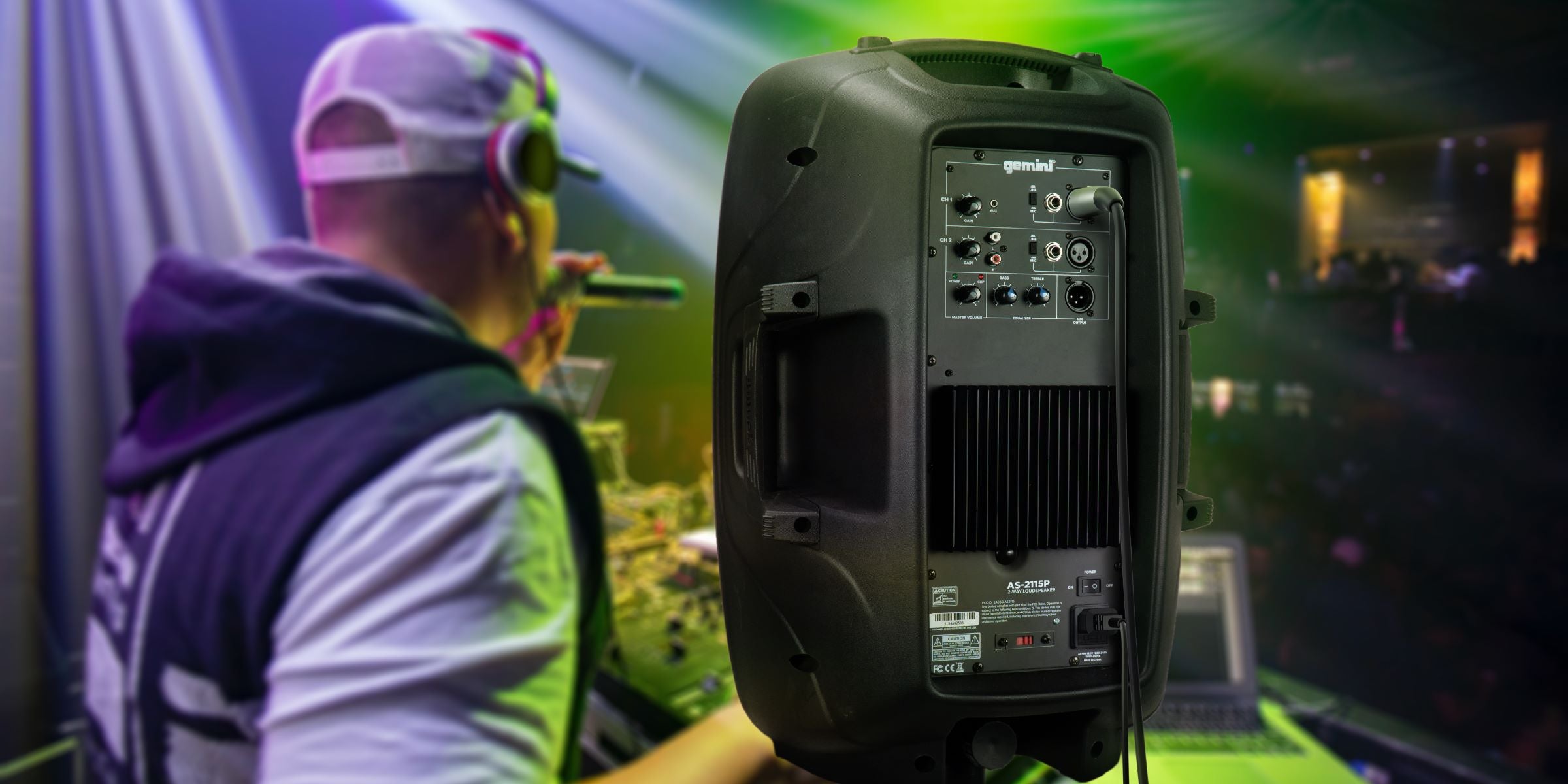
Você não consegue avaliar uma mixagem só com fones de ouvido, então também precisa de caixas de som no ambiente. Um par de caixas amplificadas é o caminho mais simples em casa: o amplificador já vem embutido, então basta conectar direto no seu mixer ou controladora e está pronto. Elas dão uma leitura honesta dos seus ajustes de equalização e das suas transições, o que é como você treina os ouvidos para reconhecer como soa uma mixagem limpa.
Posicione-as na altura dos ouvidos e inclinadas na direção de onde você senta, não encostadas na parede. Um pouco de distância da parede deixa os graves mais precisos e evita que os sons baixos fiquem estourados e instáveis.
Escolha o seu software e trate o ambiente

O software é onde você grava, organiza e edita. A boa notícia para uma configuração caseira: a maioria das controladoras vem com uma versão gratuita do software para o qual foram projetadas, então normalmente você não paga nada extra para começar. Aprenda essa versão gratuita de cabo a rabo antes de fazer upgrade. Ela vai te levar mais longe do que você imagina, e você vai saber exatamente qual recurso pago realmente precisa quando chegar a hora.
Depois que o equipamento estiver pronto, invista um pouco no ambiente. Você não precisa de um tratamento profissional completo. Alguns painéis de espuma acústica nos primeiros pontos de reflexão, um tapete sobre um piso duro e algo macio na parede atrás de você já reduzem o eco que deixa as gravações caseiras com som fraco. É a melhoria mais barata de toda a configuração, e faz mais pelo seu som do que a maioria das pessoas imagina.
Montando tudo junto
Você não precisa comprar tudo isso de uma vez. Comece com uma controladora ou mixer e um fone de ouvido, adicione caixas amplificadas quando estiver pronto para mixar em volume alto, e trate o ambiente aos poucos. Monte nessa ordem e você vai praticar e gravar em casa sem frustração, com equipamentos feitos para crescer junto com você.
Quando estiver pronto para montar a sua configuração, comece pela coleção de equipamentos de DJ. A Gemini Sound fabrica equipamentos para DJs e estúdios caseiros desde 1974, e um rig doméstico que seja acessível, confiável e fácil de aprender é exatamente para isso que estamos aqui. Fale com o suporte da Gemini Sound a qualquer momento se quiser ajuda para escolher suas primeiras peças.