
Filters
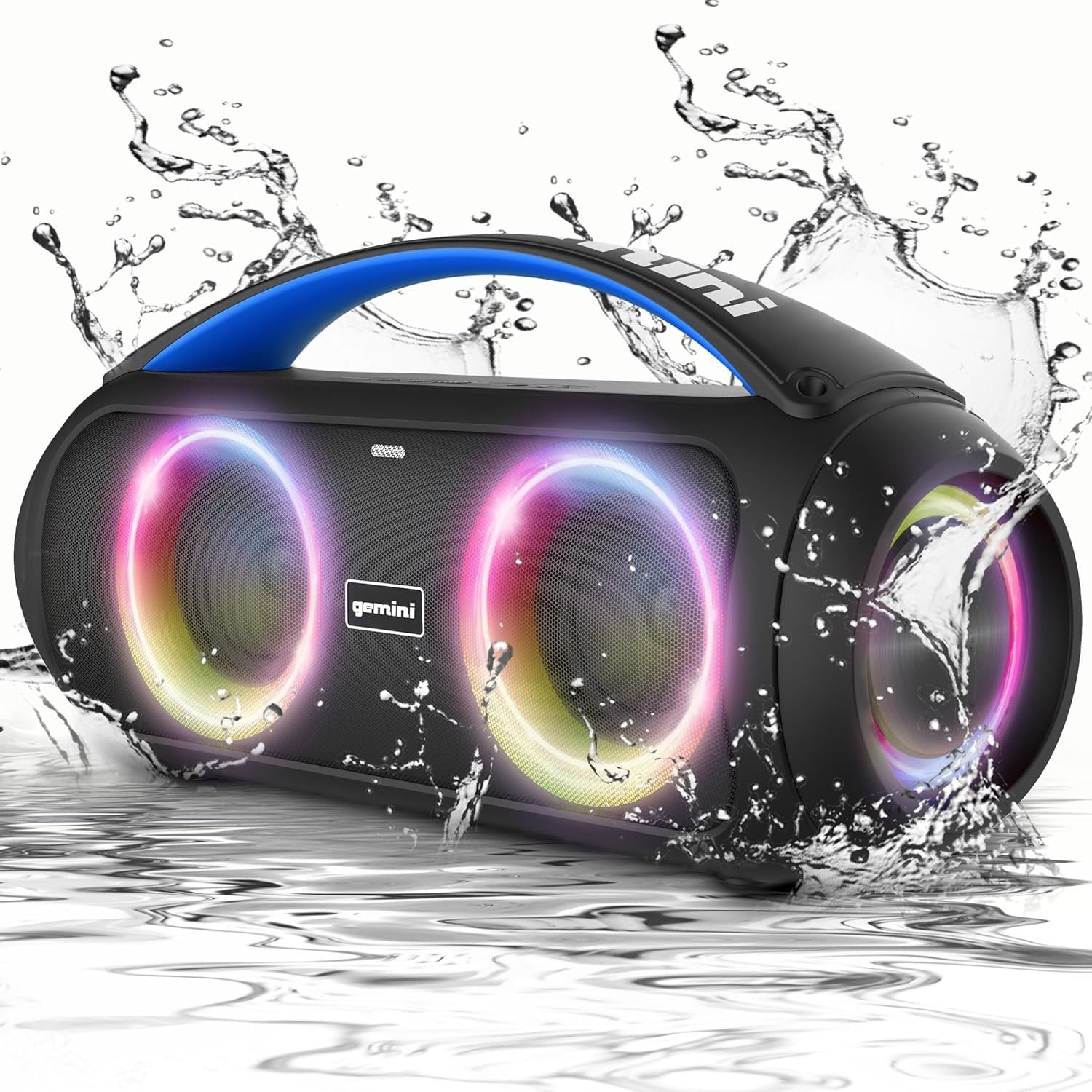
GGO-230L Waterproof Bluetooth Speaker IPX5 Portable Wireless Audio
Sale price$59.95

GSP-2200 High-Power Bluetooth PA Speaker - Professional Audio
Sale price$349.95
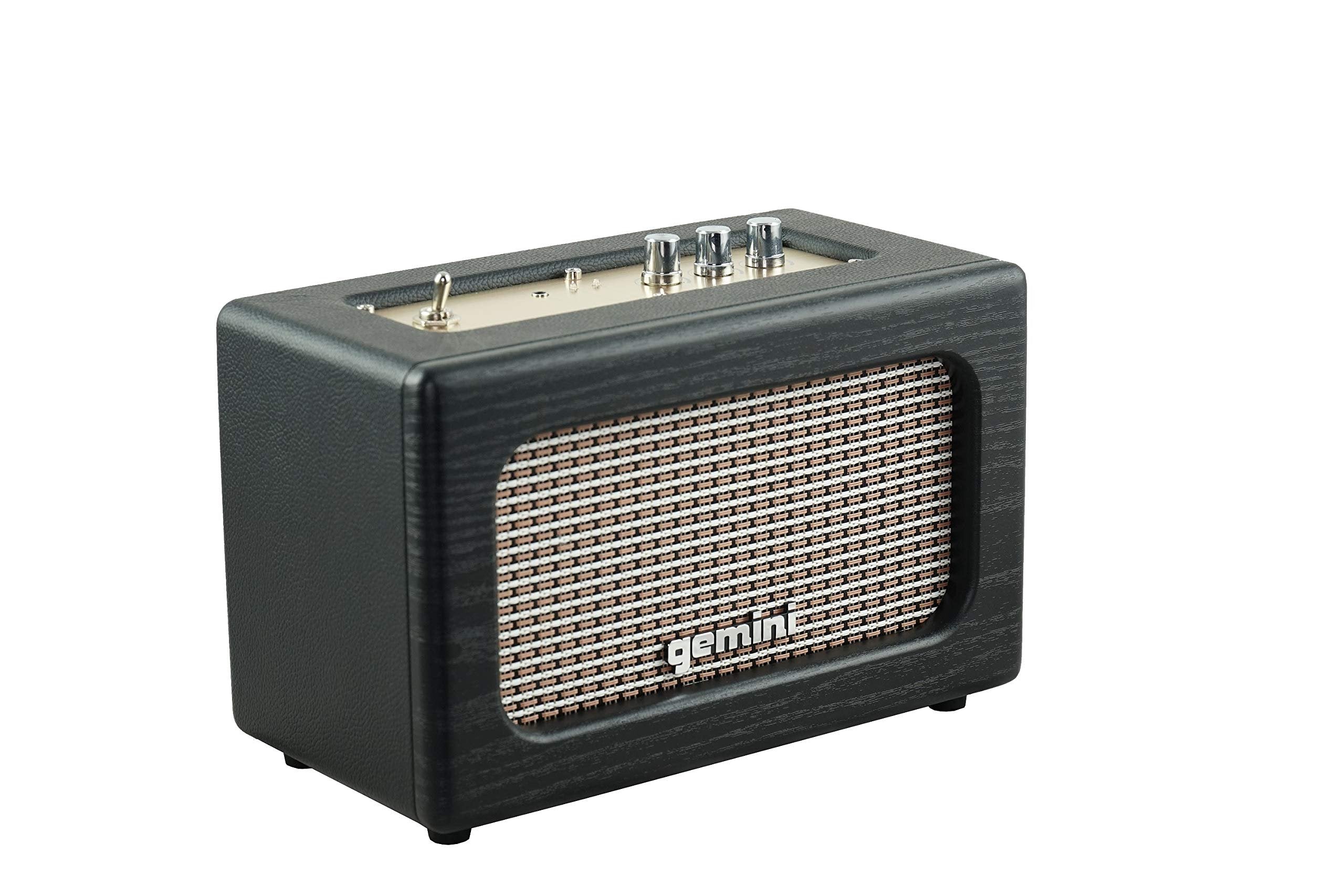
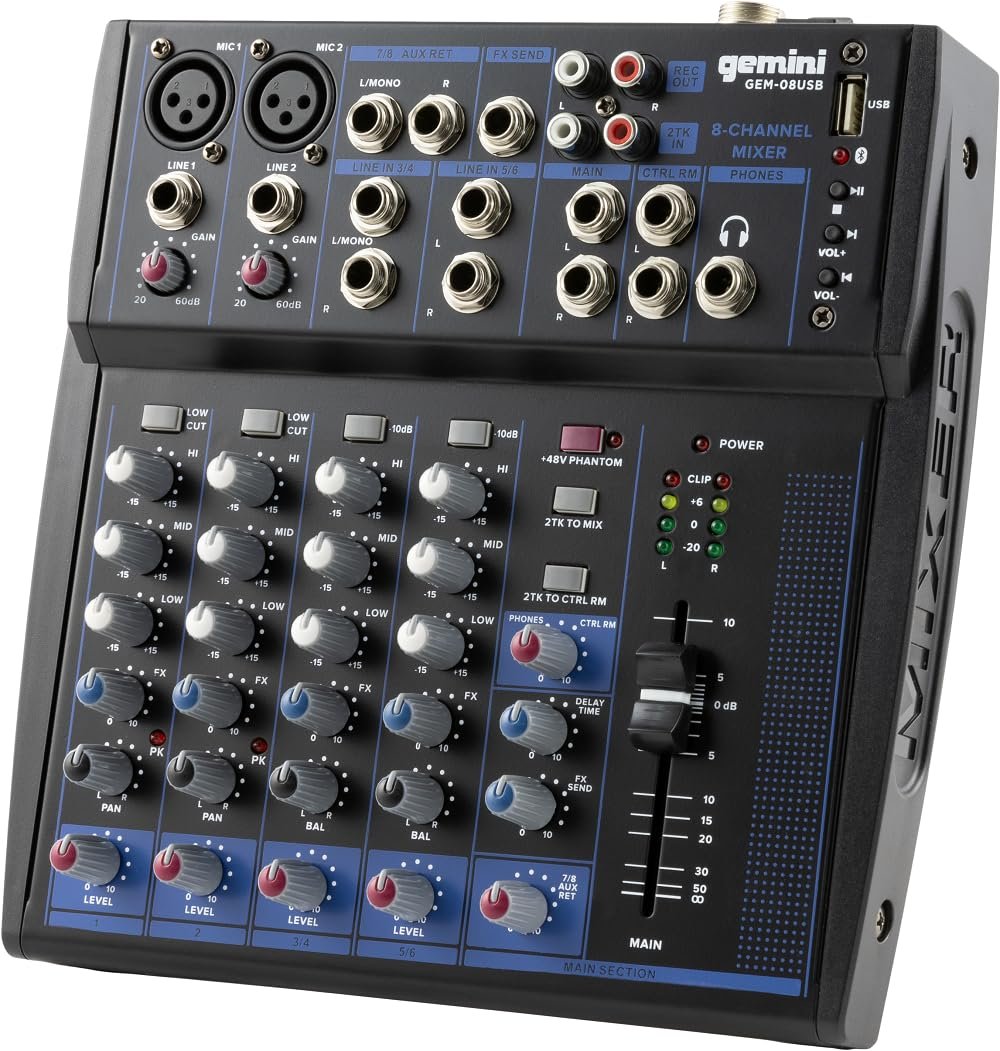
GEM-08USB Professional 8-Channel Bluetooth Audio Mixer
Sale price$79.95
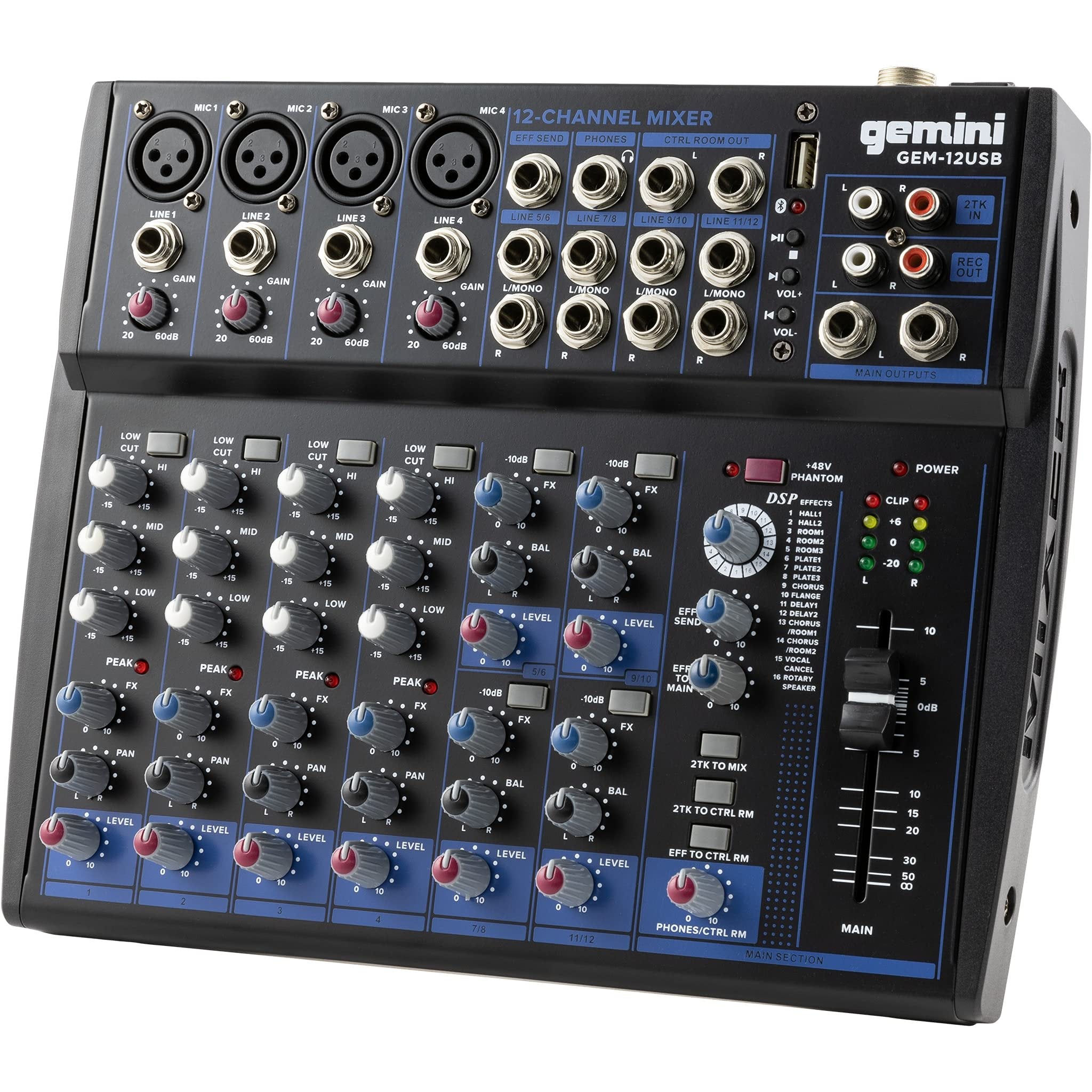
GEM-12USB Professional 12-Channel Bluetooth Audio Mixer
Sale price$129.95
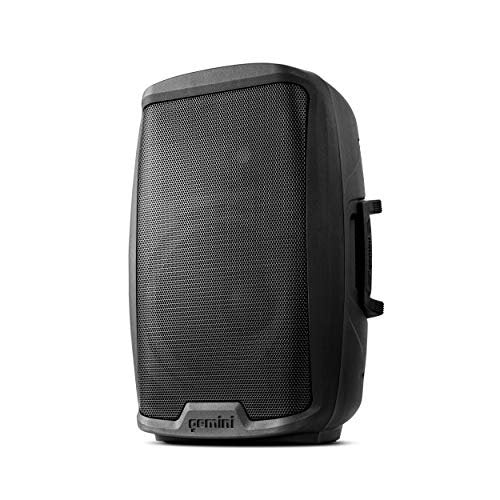
Gemini AS-2112P 1500W Active 12" PA Speaker - Portable Pro Audio
Sale price$159.95
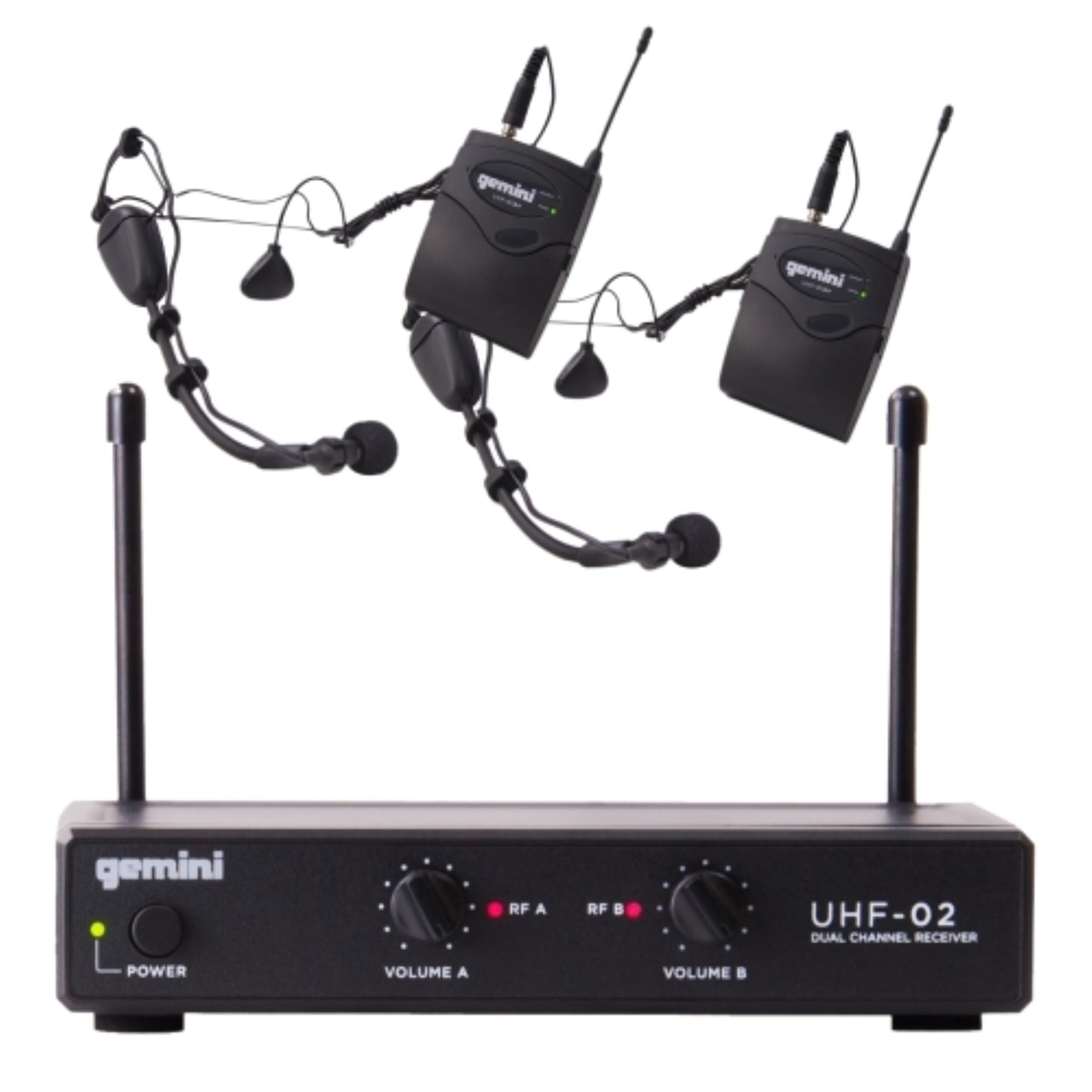
Gemini UHF-02HL Wireless Microphone System - High-Quality Audio
Sale price$69.95
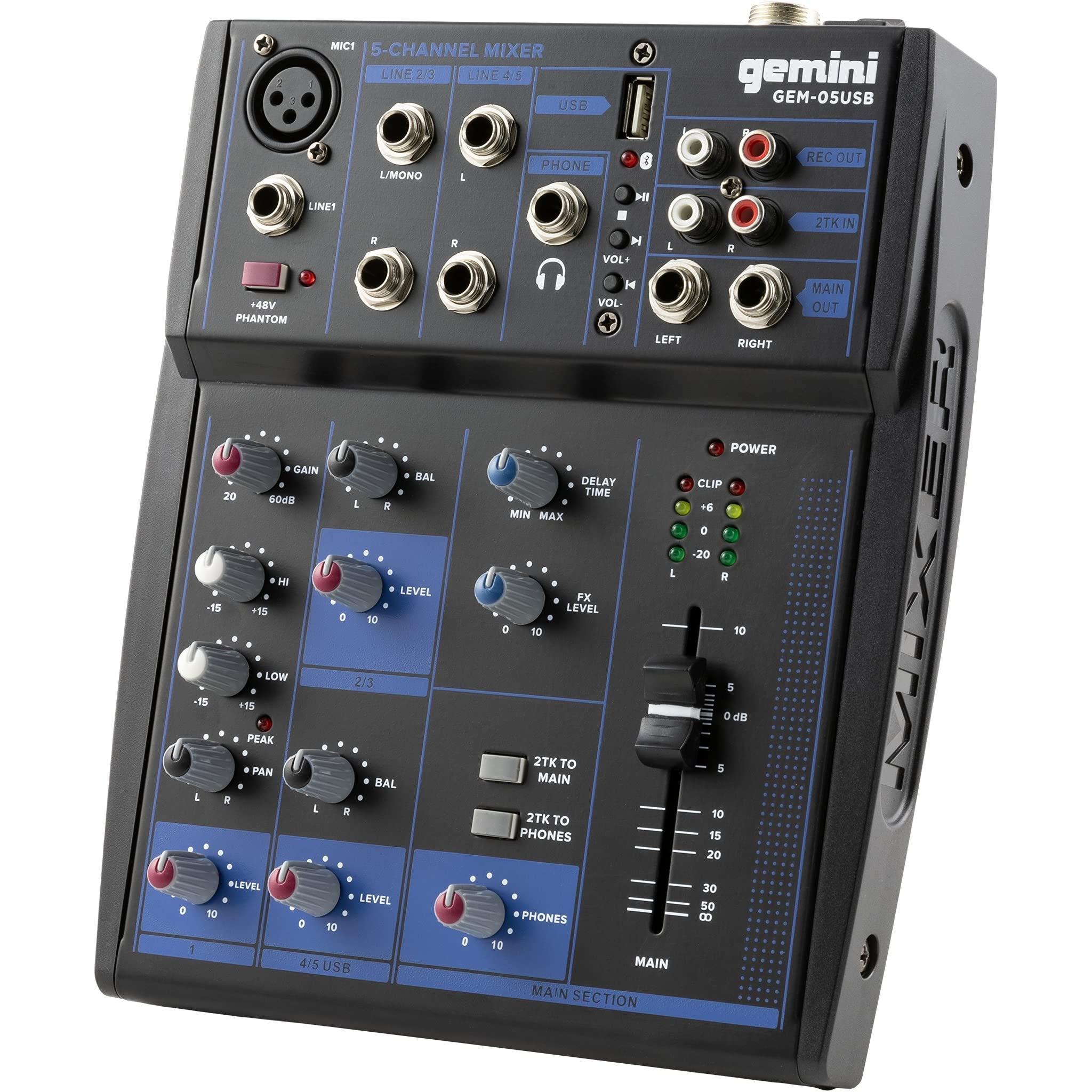
GEM-05USB Professional 5-Channel Bluetooth Audio Mixer USB
Sale price$69.95
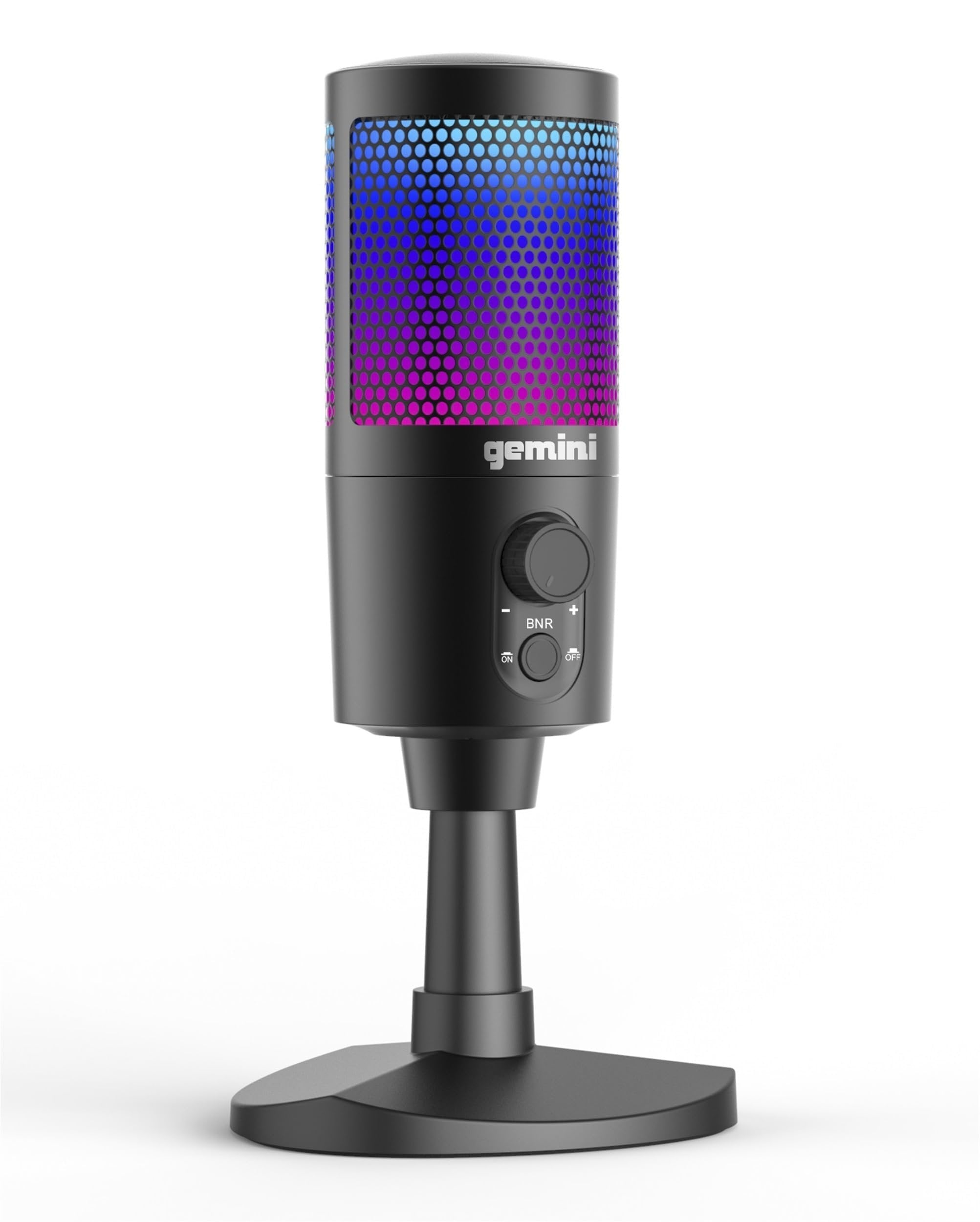
Gemini GSM-100 USB Gaming Microphone - Crystal Clear Audio
Sale price$49.95
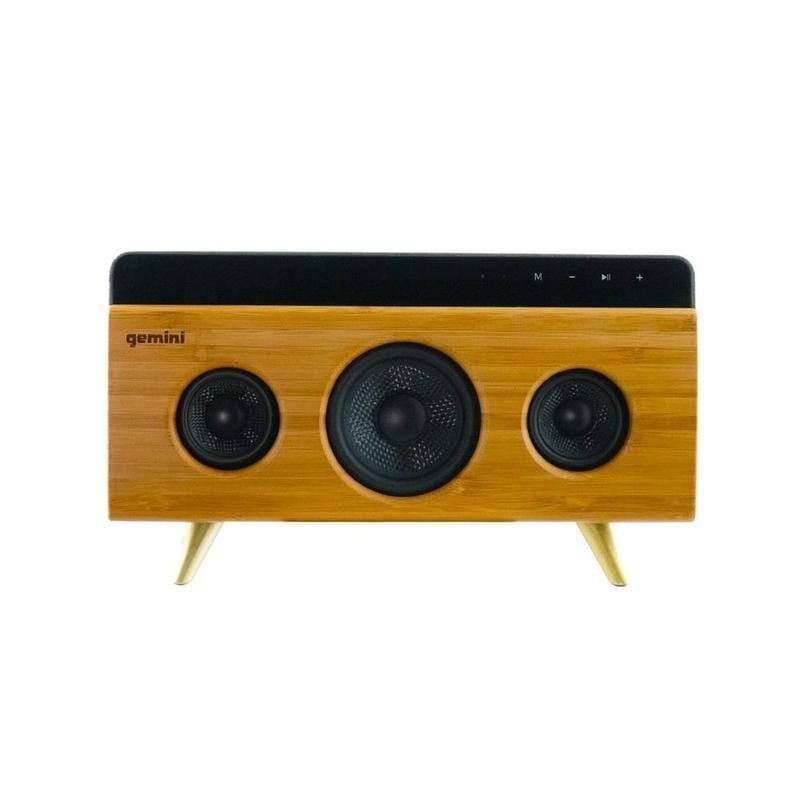
BRS-330 Bamboo Bluetooth Speaker - Wireless Portable Audio
Sale price$99.95
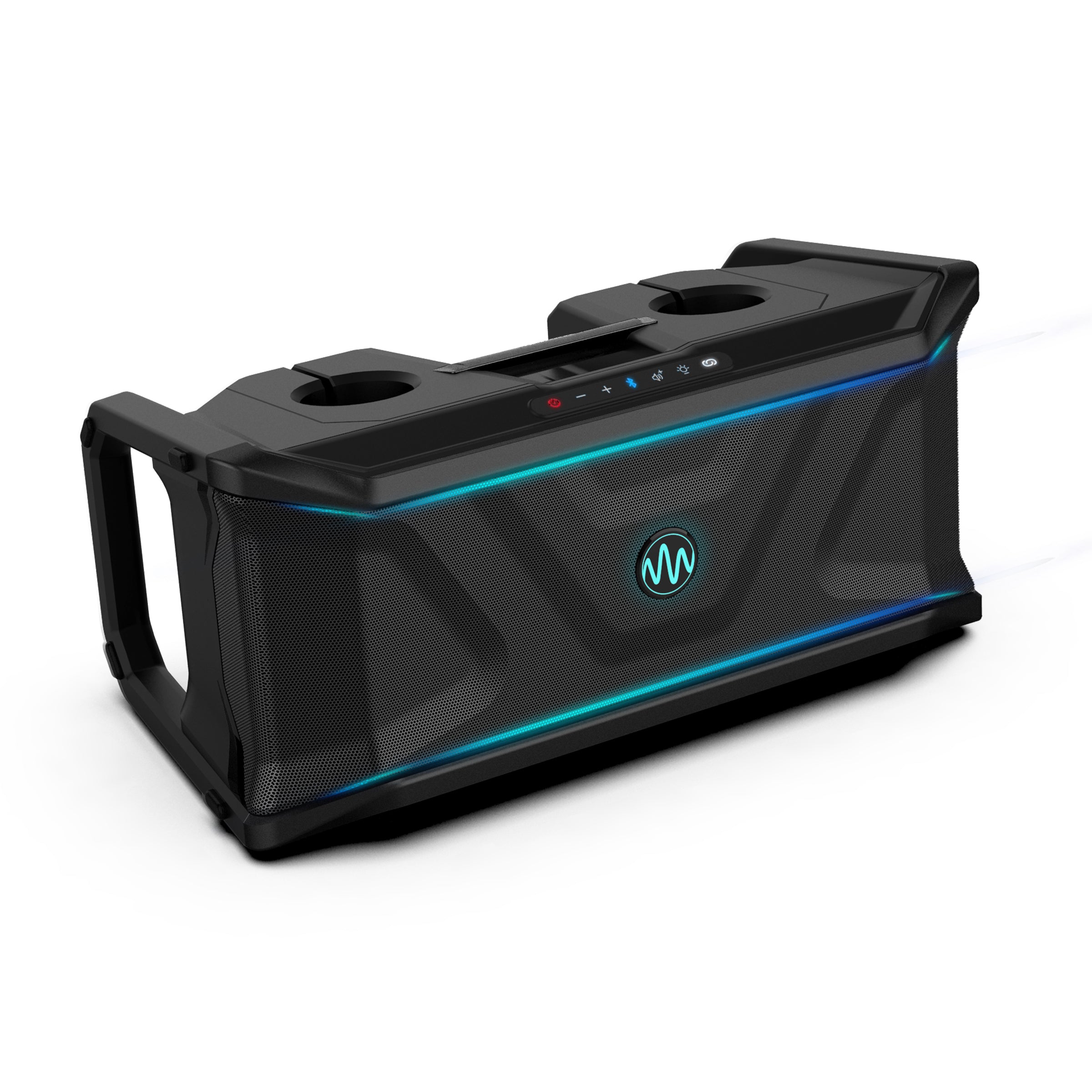
SoundSplash Waterproof Floating Bluetooth Speaker IP67 Pool Audio
Sale price$399.95
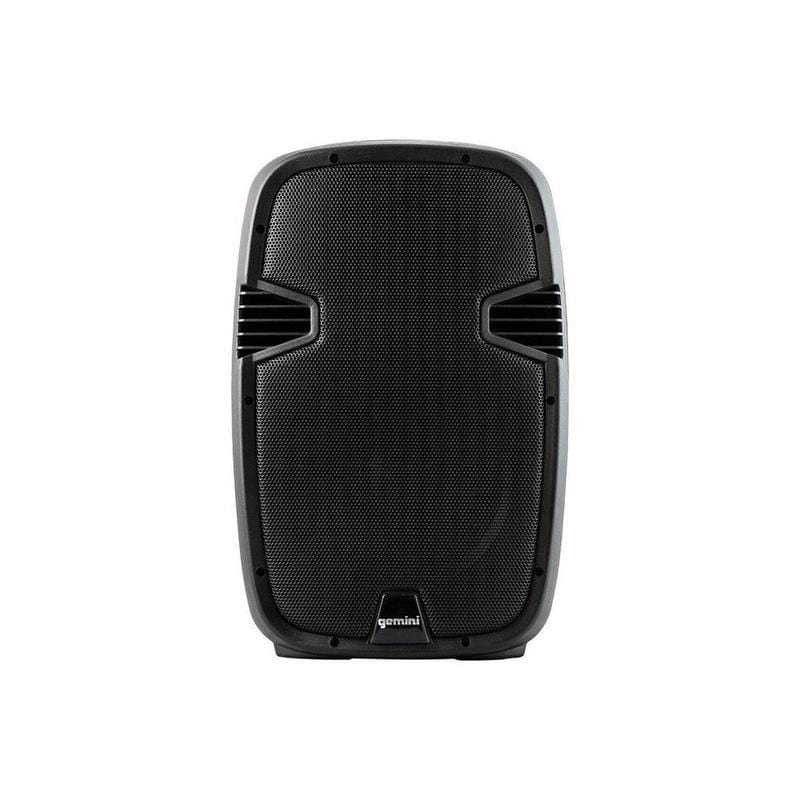
Gemini IS-12P Powered PA Speaker - 12" Professional Audio System
Sale price$0.00
Best Audio Interfaces for Home Studios
This collection curates top-rated audio interfaces ideal for home studios, podcasts, and content creation. We selected models with versatile inputs, stellar preamps, and reliable drivers.
Key Takeaways
- Choose an interface that fits your I/O needs (microphones, instruments, headphones)
- Consider USB-C, USB-A, or Thunderbolt connectivity and your computer’s compatibility
- Prioritize clean preamps, low latency, and stable drivers for reliable recording
- Check phantom power, MIDI input, and bus power if you need them.
What should you look for in an audio interface?
Look for the number and type of inputs (microphones, line/instrument), preamp quality, audio path (conversion quality, signal-to-noise), latency, and driver stability. Ensure your chosen interface is compatible with your DAW and computer, and supports any features you need (phantom power, MIDI, headphone amp, etc.).
How do you choose the right audio interface for your needs?
- Define your use case (podcasting, music recording, streaming)
- Decide on the number of inputs and outputs you need
- Check compatibility with your computer and DAW
- Consider power requirements (bus-powered vs. separate power supply)
- Budget for future-proofing and durability
Frequently Asked Questions
Sources
- Best USB Audio Interfaces in 2025 - InSync — sweetwater.com
- Choosing the Best Recording Interface for Any Budget in 2025 — sweetwater.com
- Best USB Audio Interfaces in 2025 — soundguys.com
- A buyer's guide to audio interfaces — tomsguide.com
- How to choose an audio interface for your home studio — musicradar.com