
The DJ equipment you need to start: a beginner's checklist

To start DJing you need five things: something to mix on (a controller, or a mixer paired with decks), a laptop with DJ software, headphones, speakers your crowd can actually hear, and a music library to pull from. That's the whole checklist. Everything else is a nice-to-have you can add later. Below we'll go through each piece, what it does, and how to pick one without overspending on your first setup.
If you're still deciding which path fits you, our guide on the best DJ equipment for beginners: where to start walks through that decision first. This post is the gear list.
A controller, or a mixer and decks
This is the heart of your setup, and it's the one piece you can't skip. You've got two ways to go.
A DJ controller is the simplest place to start. It's one unit with jog wheels, faders, and pads that plugs into your laptop and runs your DJ software, so you get decks and a mixer in a single piece of gear. The Gemini Sound G2V is a 2-channel controller built for exactly this: a 24-bit audio interface, touch-sensitive jog wheels, and 16 backlit pads for cues and loops. If you want room to grow into four-deck mixing, the G4V steps up to 4 channels and the same 24-bit interface. Both are in the DJ controllers collection.
The other route is a standalone mixer with separate decks (turntables or media players). It's more gear and more cable, but it's how a lot of club and mobile DJs still run, and it lets you mix and match each piece over time. Either way, the mixer is what lets you control the volume of each track, blend two songs together, and shape the sound with EQ.
A laptop and DJ software
Most beginner setups run on a laptop. The software does the heavy lifting: it holds your library, plays two or more tracks at once, beat-matches them, and gives you EQ, filters, loops, and effects to mix with. You don't need a powerful machine to start, but you do want one that won't stutter mid-set, so close everything else while you play.
Software doesn't have to cost anything to get going. Gemini's V-Case is free DJ software that analyzes your tracks, reads the BPM and key, and keeps your library organized so you can find the right song fast. Pair it with a controller from the DJ controllers collection and you've got a complete digital setup. You can also mix from a tablet or phone with the right app, though a laptop gives you more screen to work with.
Headphones

Headphones are how you line up the next song before the crowd hears it. You cue a track in one ear, beat-match it to what's playing, and drop it in clean. Without them, you're mixing blind.
For DJing, look for a closed-back pair that seals out the room so you can hear your cue over a loud system, and a sturdy build and cable that'll survive being yanked around in a booth. Comfort matters too, since you'll wear them for hours. You don't need the most expensive pair on the shelf; you need one that's loud, isolating, and built to take a beating.
Speakers your crowd can hear
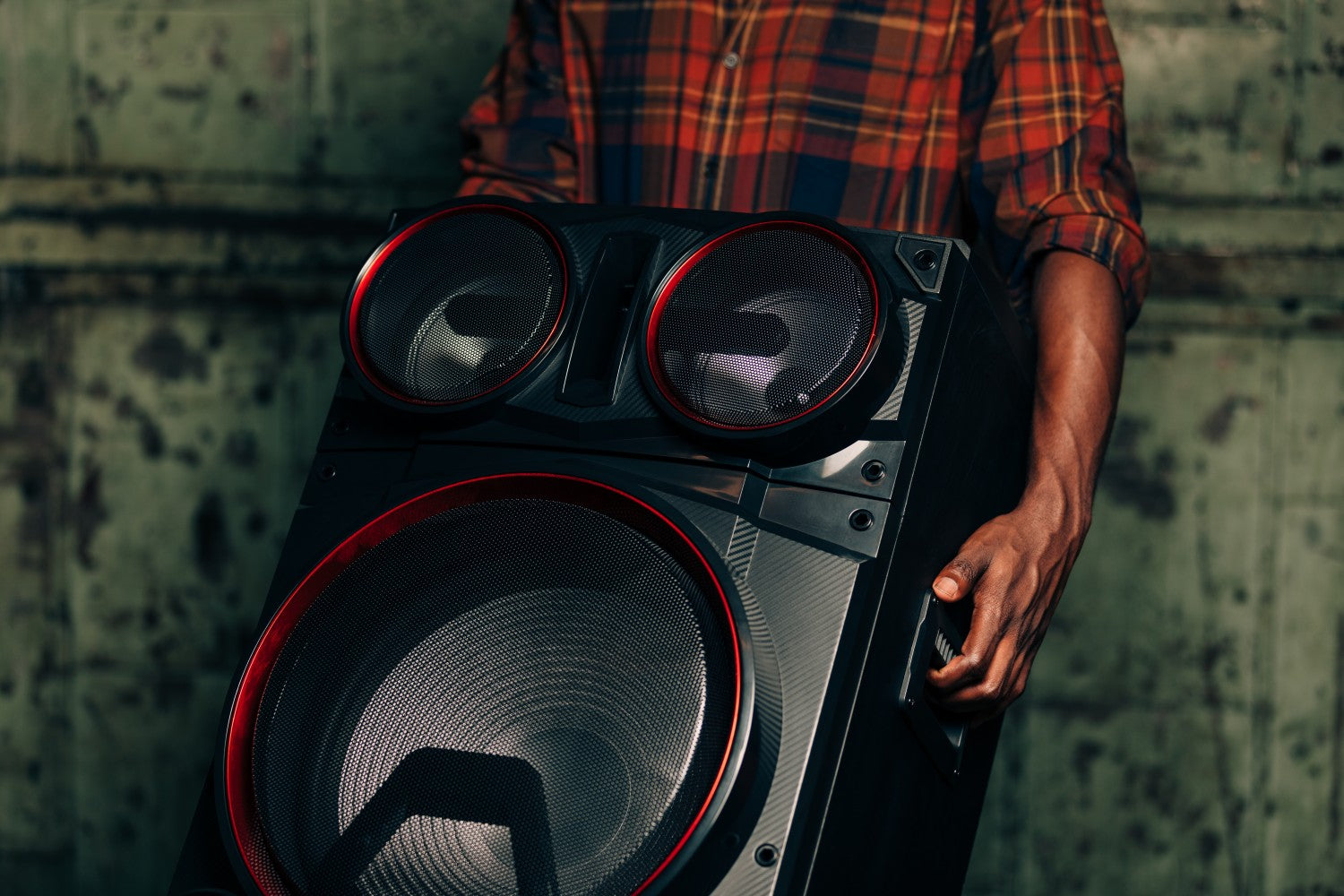
Your laptop speakers won't fill a room, and a Bluetooth box won't carry a party. To DJ for a crowd you need a powered PA speaker: it has the amplifier built in, so you plug your controller or mixer straight into it and go.
Match the speaker to the room. For a house party or a small bar, the Gemini Sound GSP-5500 is a 15-inch powered PA speaker rated at 500W peak with Bluetooth, which is plenty to fill a living room or backyard. Stepping up to a bigger venue, the GD-215PRO is a 15-inch powered speaker at 600W peak and 280W RMS with a 3-channel mixer built in, so it can double as a small mixer in a pinch. Both live in the powered speakers collection. As a rule, get a little more speaker than you think you need so you're never pushing it to the edge, where the sound starts to distort.
Turntables and vinyl, if you want them

You don't need turntables to start, but plenty of DJs still love them. There's a feel to working with vinyl that a controller doesn't quite match, and it's the best way to learn scratching and beat juggling by hand. For DJ use you want a high-torque, direct-drive turntable that gets up to speed fast and holds it steady under your hand, like the Gemini Sound TT-5000, a direct-drive deck with 33, 45, and 78 RPM speeds and USB recording. You'll find it alongside the rest of the record players and turntables. If you go this route, you'll pair two decks with a mixer rather than a controller.
A music library
None of the gear matters without songs to play. Build a deep, varied library so you can read a room and keep people dancing, and keep adding to it so your sets stay fresh. Buy tracks from a download store, rip CDs you already own, or pull from a streaming service your DJ software supports. Organize it as you go, with software like V-Case tagging the BPM and key, so you're not hunting for the next song while the floor waits.
Starter DJ kit FAQs
What's the cheapest way to start DJing?
A 2-channel controller, a laptop you already own, free DJ software, and a decent pair of closed-back headphones. That's a complete setup you can practice on at home. Add a powered PA speaker when you're ready to play for people.
Do I need turntables to be a DJ?
No. A controller and software cover everything most beginners need. Turntables are worth it if you want to learn to scratch or you prefer the hands-on feel of vinyl, but they're an add-on, not a requirement.
Can I just use Bluetooth speakers to DJ?
For practicing at home, sure. For a party, no: Bluetooth adds a slight delay and the speakers usually aren't loud enough to fill a room. A powered PA speaker with a wired input is what you want once there's a crowd.
That's the checklist. Start with a controller, a laptop, headphones, and a library, then add a powered speaker when it's time to play out. Browse the full range of DJ equipment to put your kit together. Gemini Sound has been building audio gear since 1974, so if you get stuck picking pieces that work together, reach out to our team and we'll point you the right way.
,%20a%20laptop%20with%20DJ%20software,%20headphones,%20speakers%20your%20crowd%20can%20actually%20hear,%20and%20a%20music%20lib...)