How to DJ your own wedding

Yes, you can DJ your own wedding, and you can do it well. You'll need a way to fill the room with sound, a wireless mic for toasts and announcements, a couple of playlists built ahead of time, and one person besides you watching the music so you're not chained to a laptop all night. Get those four things right and you'll save the cost of a DJ without anyone noticing the difference. Here's how to pull it off.
Start with the venue
Your gear list comes from the room, so walk the space before you buy or rent anything. Measure the reception area, check the ceiling height, and count the power outlets near where you'll set up. A small backyard or a 40-person hall needs far less than a 150-guest ballroom, and knowing the size keeps you from over- or under-buying your audio equipment.
Then talk to the venue coordinator. Ask whether they have rules about sound levels or amplified music, where you're allowed to run power, and how much time you get for setup and breakdown. Most coordinators have seen plenty of couples DJ their own day and can tell you what worked. An extra hour of load-in time often makes the whole night run smoother.
Build your audio setup and test it

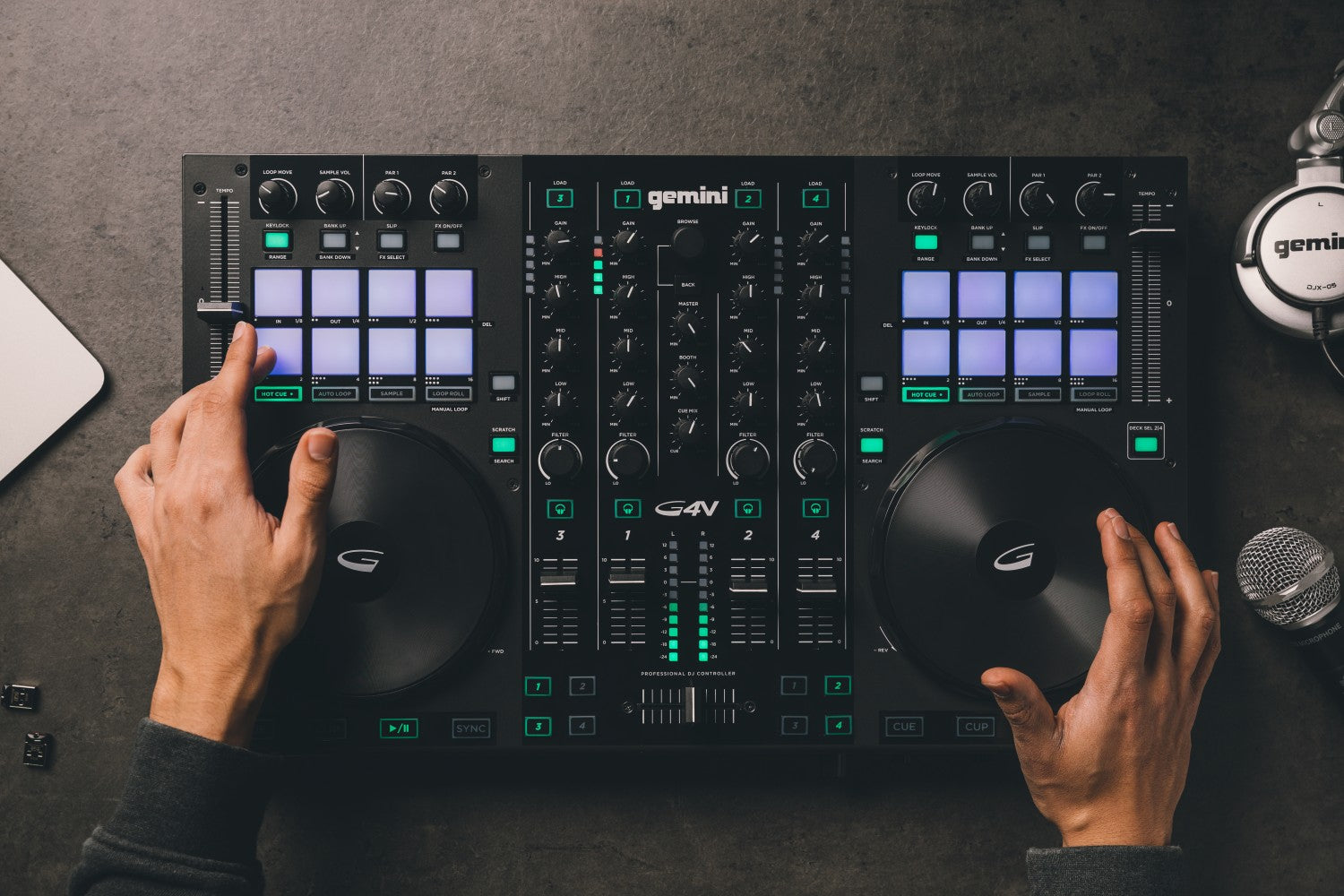
Here's the short equipment list: a laptop or phone with your music, a PA speaker loud enough for the room, a DJ controller if you want to mix tracks (it has the mixer built in), a wireless microphone for the emcee and toasts, and a USB stick with a backup copy of every playlist. A phone plugged into a small speaker can work for an intimate gathering, but for a real reception you want a PA that carries to the back of the room without distorting.
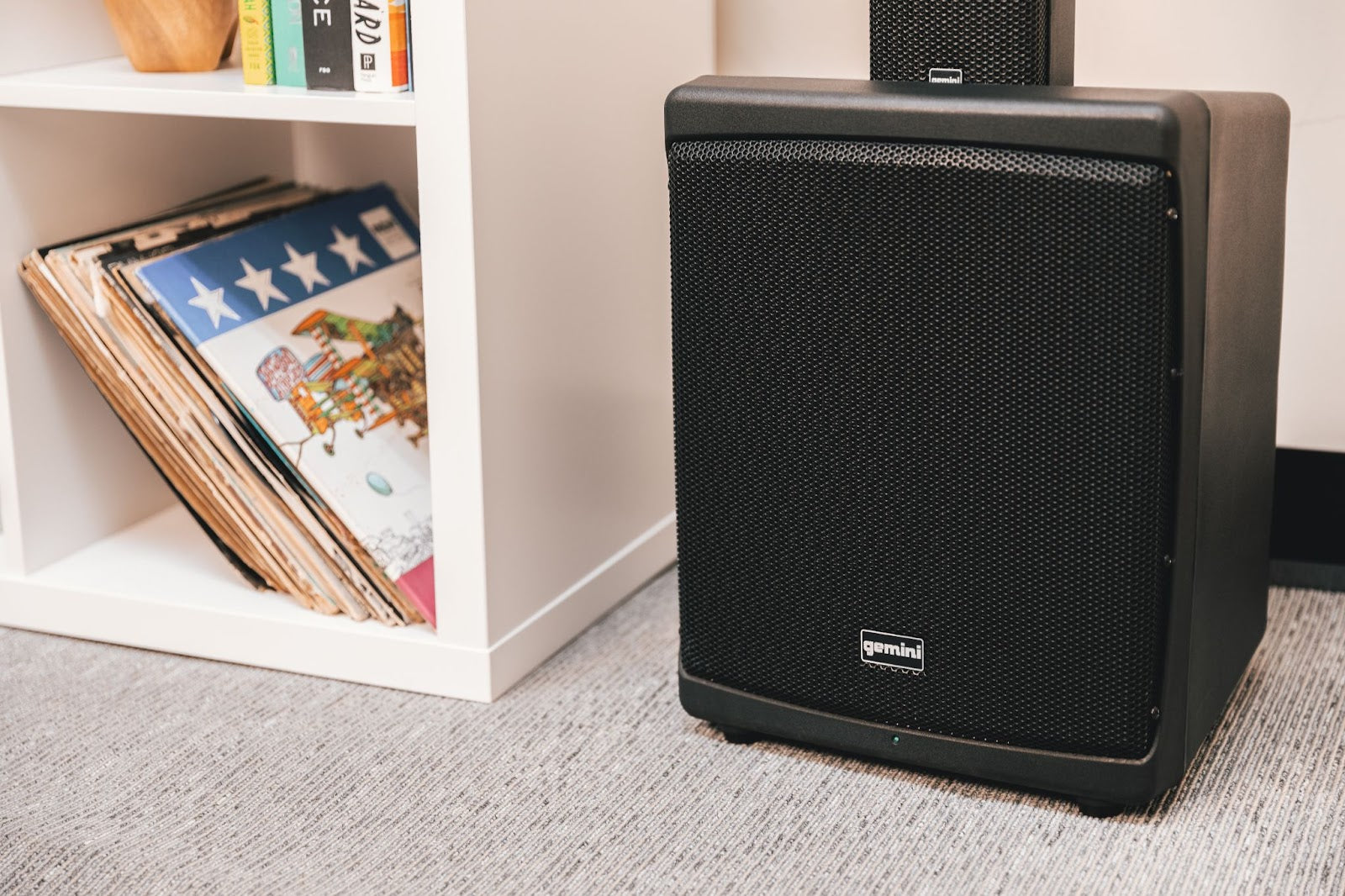
You don't have to overspend to get there. An all-in-one package like the Gemini Sound AS-2115BT-LT-PK gives you a 200W peak, 15-inch active speaker with a stand, a microphone, and built-in LED lights, and it streams over Bluetooth, so one box covers sound, mic, and a little dance-floor lighting. For toasts and announcements, the Gemini UHF-6200M is a dual-channel UHF wireless system with 2 handheld mics and a 240-foot range, which means whoever's speaking can roam without dropping out. Browse the rest of the PA systems to match the size of your room, and ask family or friends if they have gear you can borrow for the day. For a one-day event, borrowing is often the cheapest, most reliable route.
Build a few playlists for every age in the room
Your guests will span generations, so don't lean on one playlist or one decade. Build a few: dinner background music, an early dance set that pulls in the older crowd, and a late-night set for the people who'll close the place down. Start from the songs the two of you can't leave out, then fill in around them.
Ask your guests to help. Add a line to the invitation or RSVP asking for one song they'd love to hear, collect the replies by email, and you'll have a head start on each set. Streaming tools make the rest easy: Spotify's DJ mode, a dedicated wedding-playlist app, or a music-loving friend can smooth the transitions between songs while you handle everything else.
Name an emcee and a music captain or two
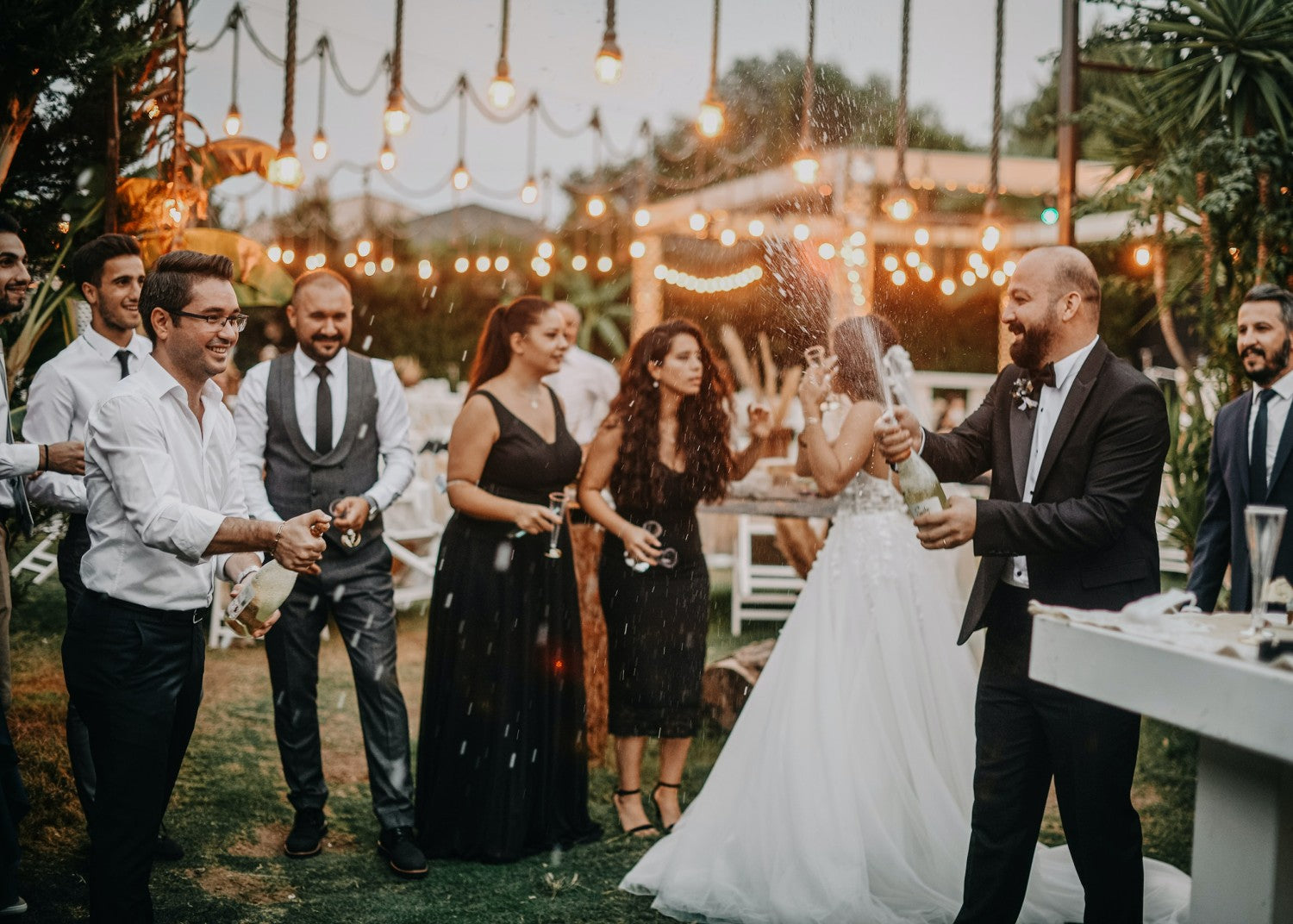
An emcee keeps the night moving. Without one, you get awkward gaps while everyone waits for the next announcement, the toast, or the first dance. Pick a friend or family member who's comfortable on a mic, hand them a simple run-of-show, and the timeline takes care of itself.
Be honest with yourself about how much you actually want to DJ. If you'd rather spend the night dancing than cueing tracks, appoint one or two music captains to cover the controller while you step away. Look for friends who already DJ or are into music, give them the playlists and the run-of-show, and let them handle setup, breakdown, lighting, and keeping the music flowing. A small flat fee for a willing beginner still costs a fraction of a full-service DJ.
DJing your own wedding is a real way to save money and play exactly the music you want, as long as you budget for the gear, line up a little help, and test everything before the day. If you have questions about what setup fits your venue, give us a call at Gemini Sound. We've been building audio gear for families and working performers since 1974, and we're happy to help you get it right.